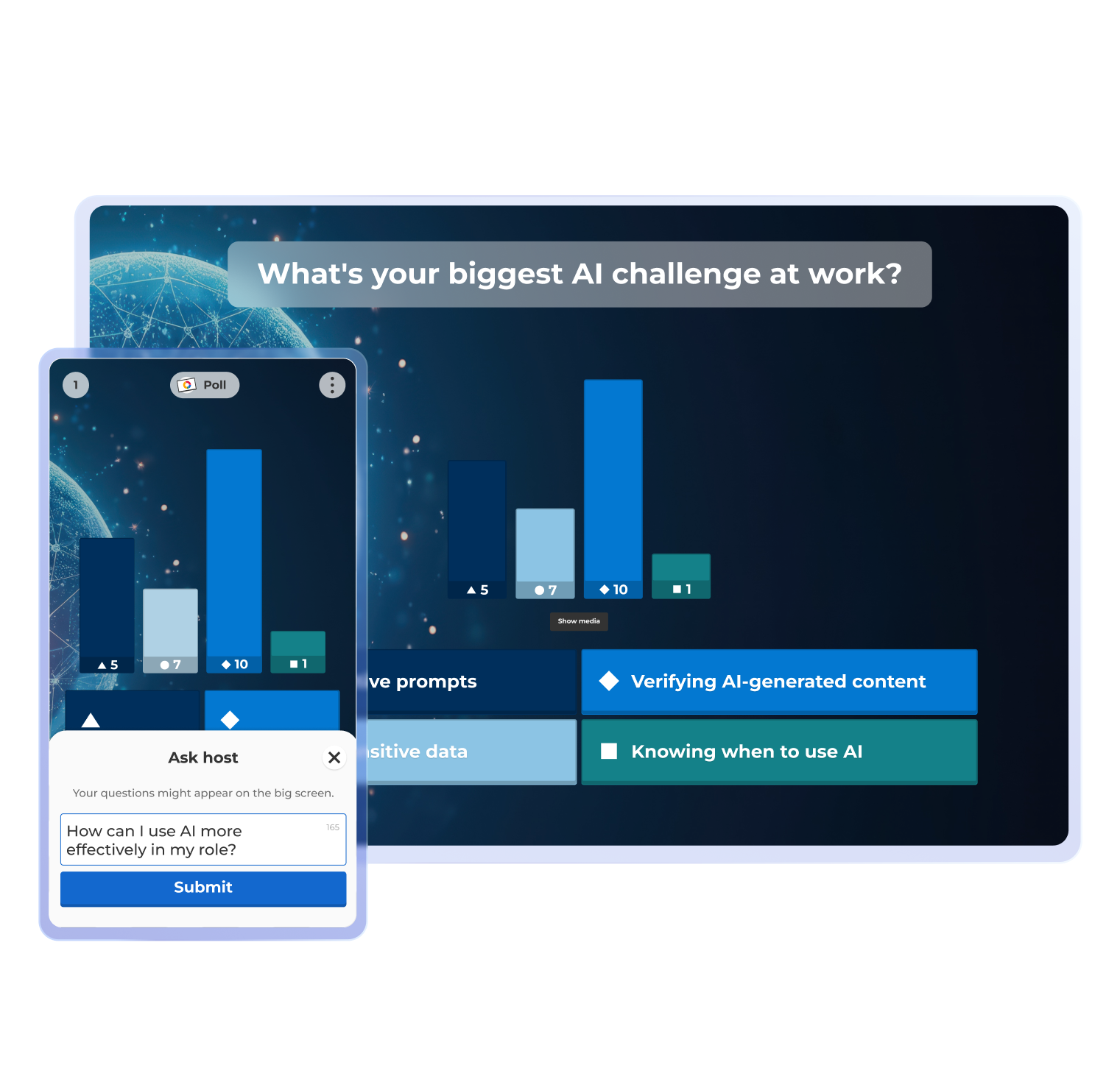
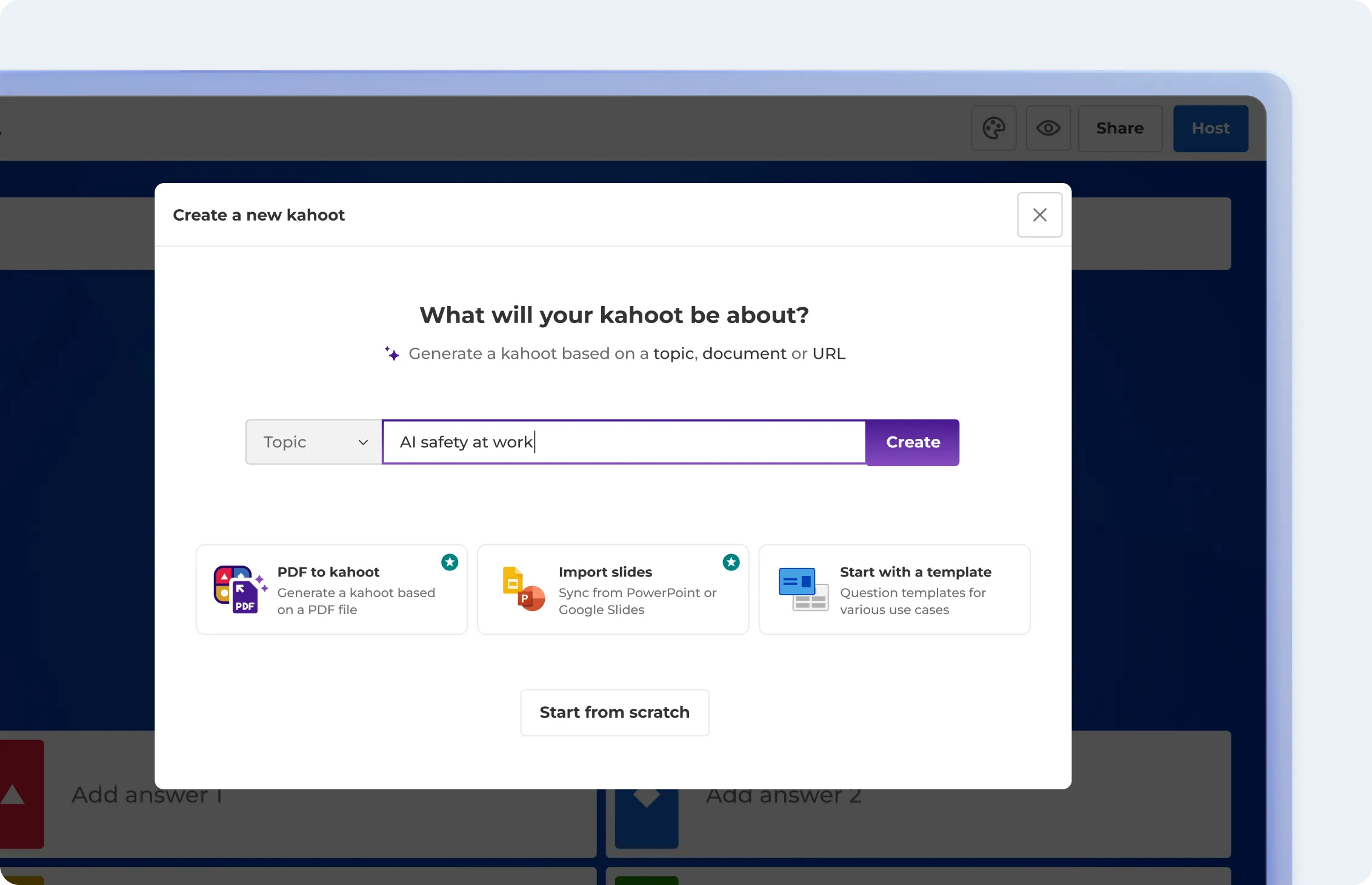
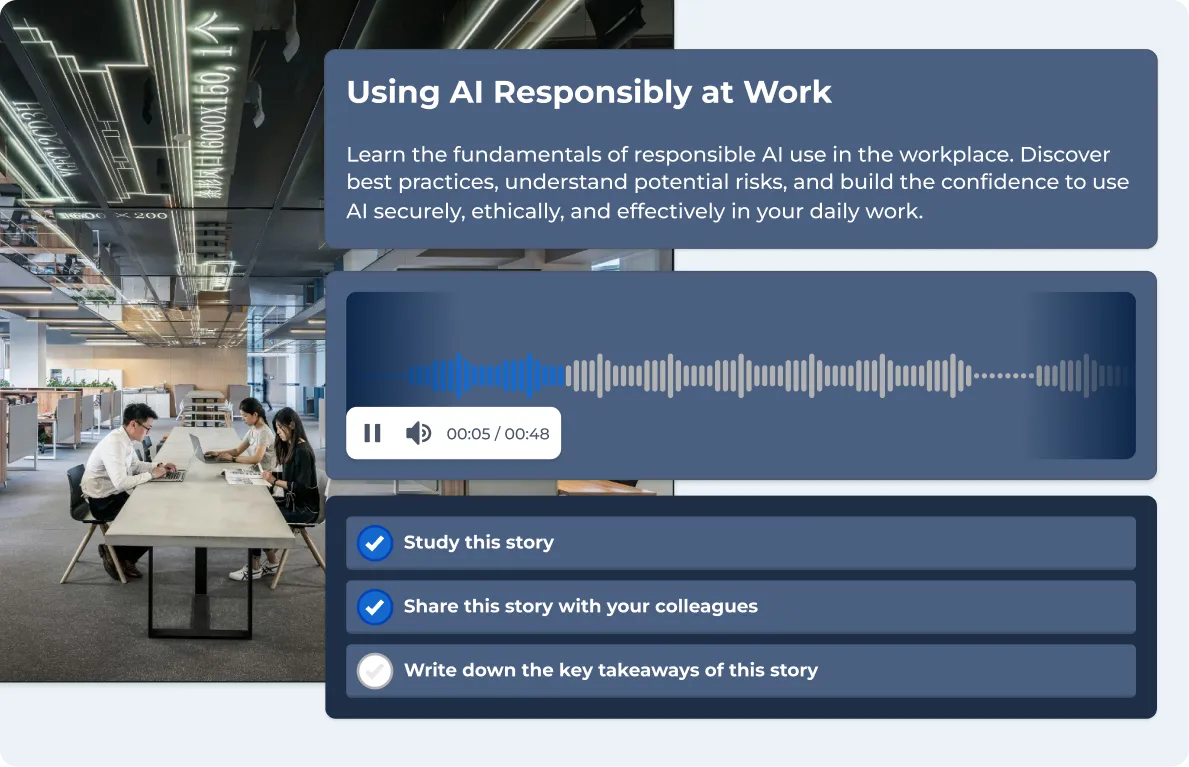
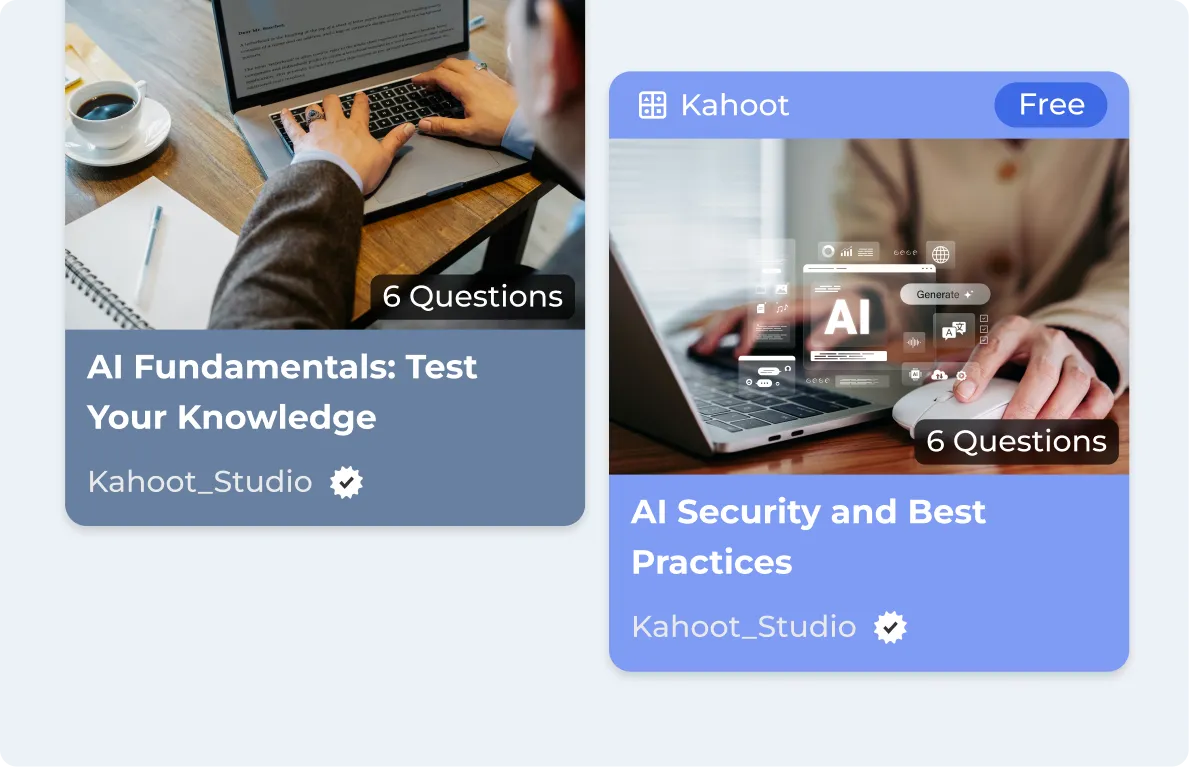
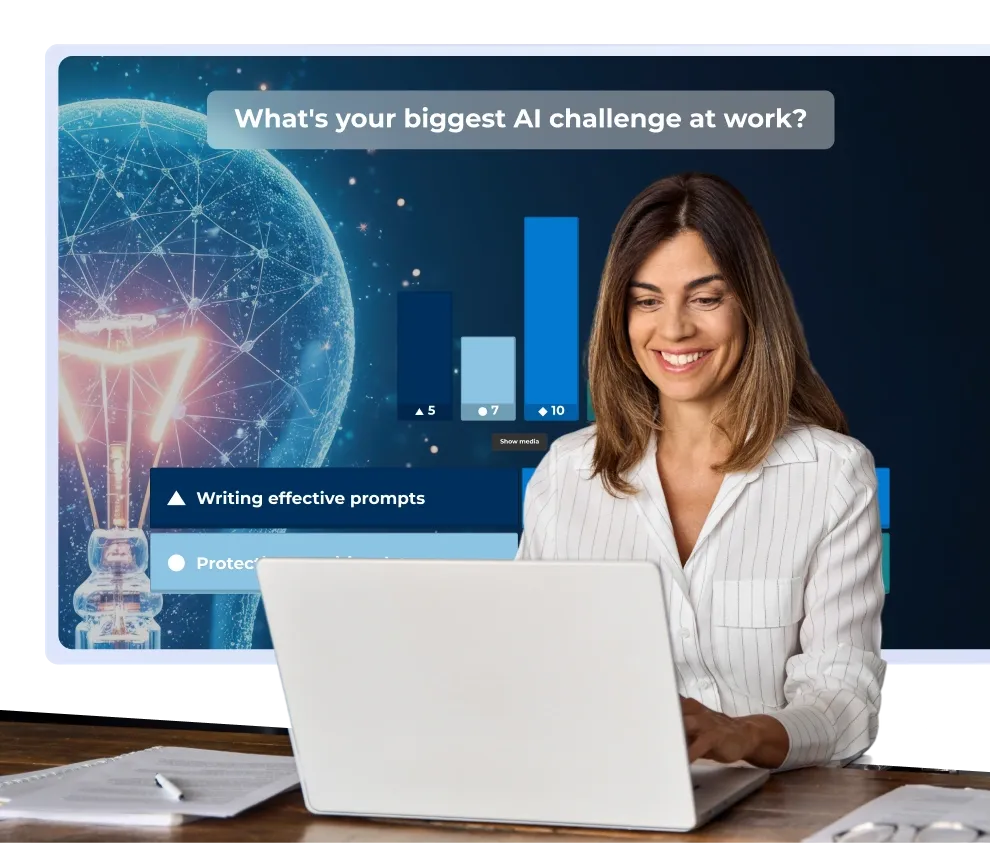
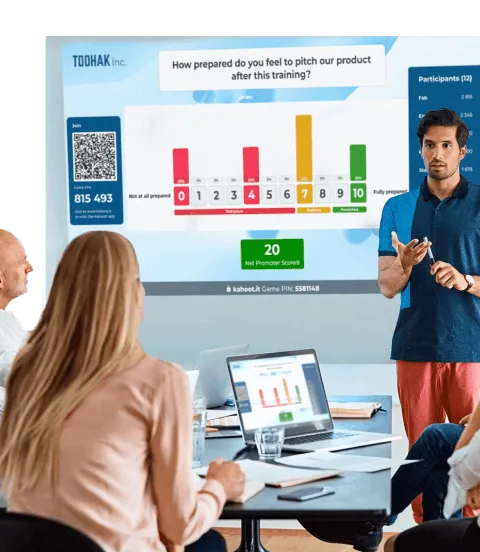
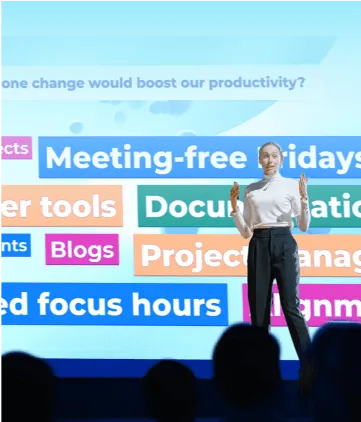
AI upskilling is essential for today’s workforce. With Kahoot! 360, you can roll out AI literacy, onboarding, or role-specific upskilling in minutes. Generate new AI training instantly or turn existing materials, including AI playbooks, vendor docs, and governance materials, into interactive learning experiences that employees complete, remember, and apply.
Kahoot! 360 is the ultimate engagement platform for delivering presentations and training with lasting impact.
“For a healthcare client, we placed strategic kahoots in the training, and that led to a 53% higher overall NPS in training, 36.7% lower attrition during the training period, and 10.5% higher trainer NPS.”
Miguel Buenavista
Learning & Development Manager, TTEC
4 in 5 employees say they want to learn more about using AI in their own role.* With Kahoot! 360 its easy to roll out measurable AI training that sticks. Empower your teams to use AI confidently and consistently to drive revenue and reduce risk.
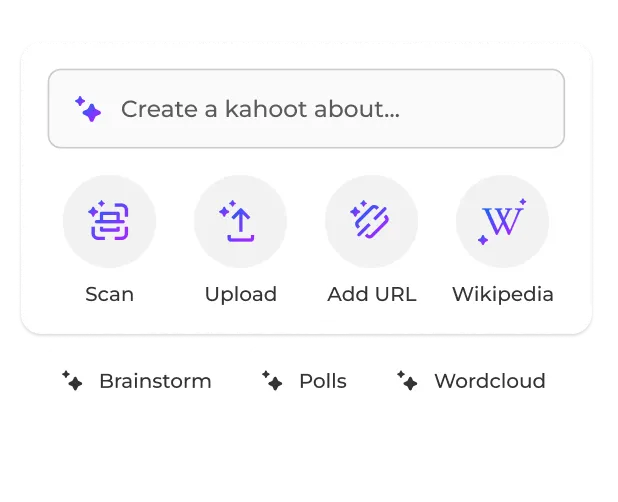
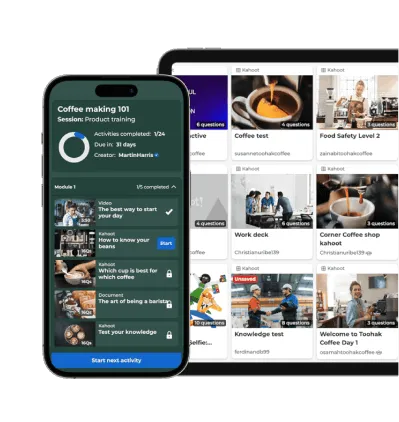
Upload your existing AI onboarding decks, policies, vendor training materials, or internal AI playbooks and let the Kahoot! Assistant instantly convert them into interactive training.
Skip the rebuild: Use your existing AI materials to create engaging training instantly without rebuilding anything.
Start from a blank page just as fast: Generate a new course directly from a topic, document, or URL when nothing exists yet.
Launch sooner: Teams get access to training materials in minutes instead of waiting weeks for a course to come together.
Deliver learning that builds AI habits and proves retention
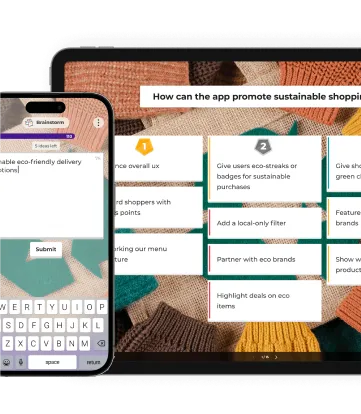
AI skills are not learned in one session, they are built over time. With Kahoot! 360 you can create short, targeted follow-ups, bite-sized learning, and collaborative learning experiences that reinforce knowledge and turn training into shared team challenges, reaching employees wherever they are.
Reinforce learning: Follow up with microlearning and challenges that build AI habits and proves retention.
Let people learn on their own time: Employees complete courses from their own devices between meetings, without carving out extra time.
Collaborative learning: Turn solo assignments into shared team achievements to motivate employees and boost completion rates.
Make sure everyone gets the training they need with individual learning paths
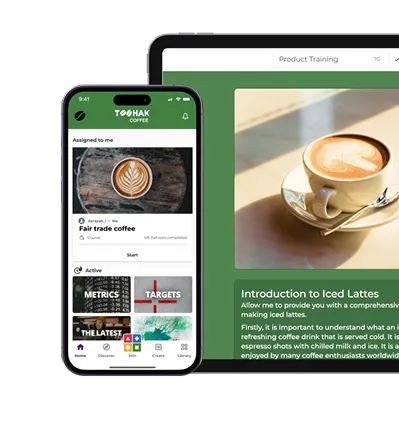
A prompt engineer needs different AI training than a sales manager or a finance analyst. Assign role-specific courses and personalized follow-ups tailored to each person, so no one gets content that is irrelevant or at the wrong level.
Assign by role: Give each team or individual the course that matches how they actually use AI, not a generic overview.
Let managers set their own pace: Managers set deadlines for their own teams instead of following one company-wide schedule.
Remove distractions: Employees only see content relevant to their role, so nothing feels irrelevant or pitched at the wrong level.
Access reports that track who has mastered AI skills and who needs more support
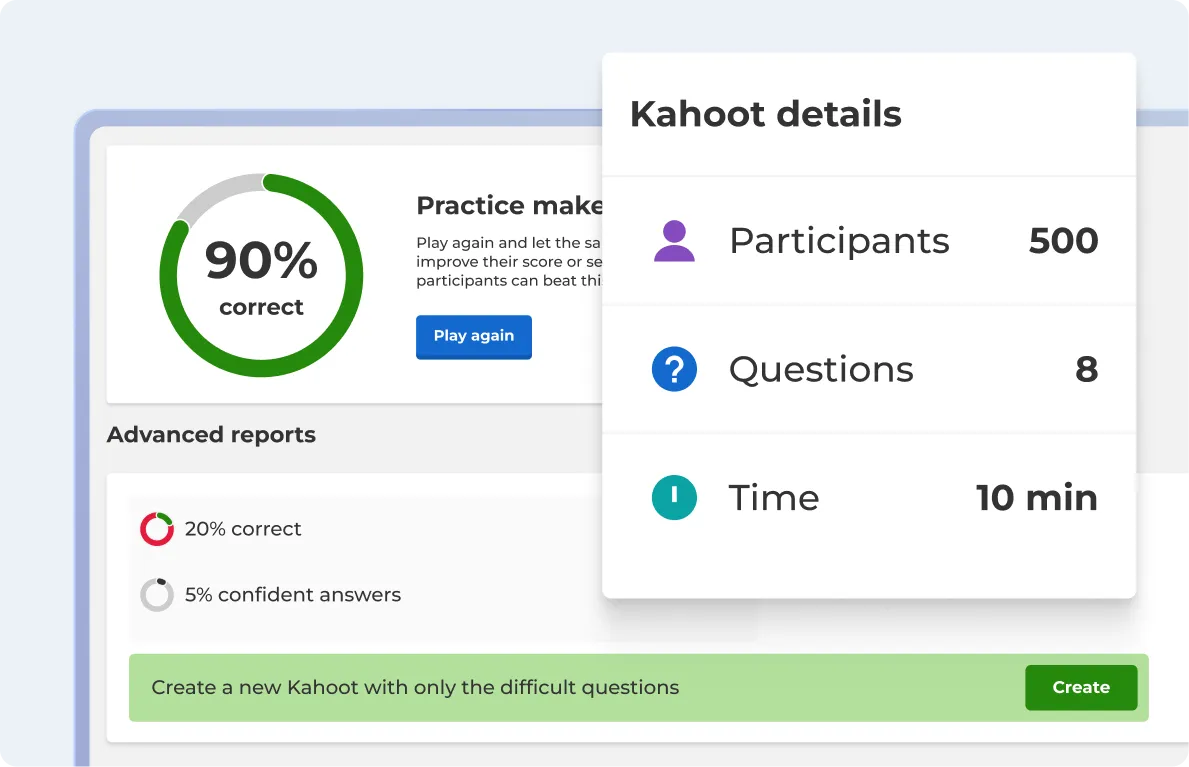
Track training completion, surface knowledge gaps, and flag who needs follow-up. Real-time dashboards and progress tracking mean nothing falls through the cracks.
Spot knowledge gaps: Real-time dashboards show which topics people are getting wrong before they become a bigger problem.
Deliver targeted learning: Completion tracking surfaces which employees or teams are falling behind.
Act early: L&D teams and managers step in while there’s still time to help, instead of finding out at year-end.
Document training achievements with certifications for seamless compliance
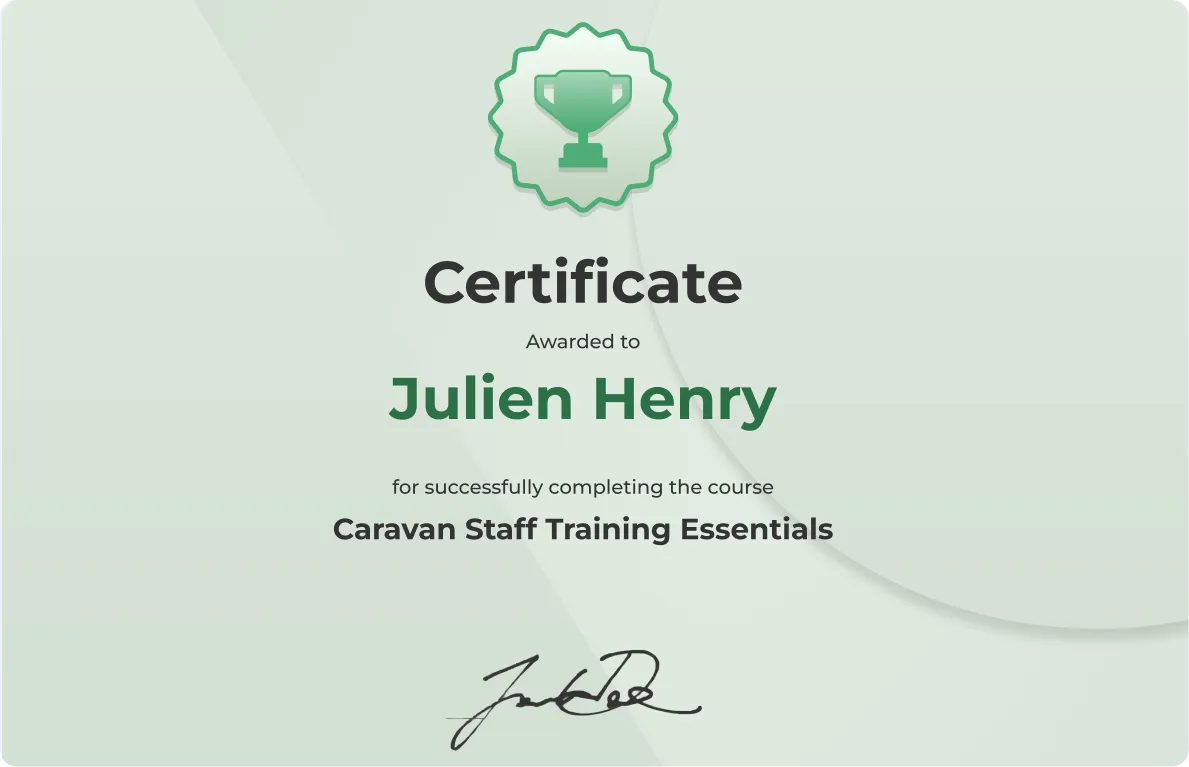
Issue AI skills certifications on completion and keep your records audit-ready. Whether it’s basic AI sales training, AI governance training, or tool-specific training, employees get proof of their skills and your organization stays documented.
Issue AI skills certificates: Give employees proof they’ve completed AI skills or AI safety training.
Keep records audit-ready: Centralize completion rates, scores, and training history in one place.
Answer with confidence: HR and compliance teams respond to leadership or regulatory questions without a scramble.
Run training inside the tools your teams already using through integrations
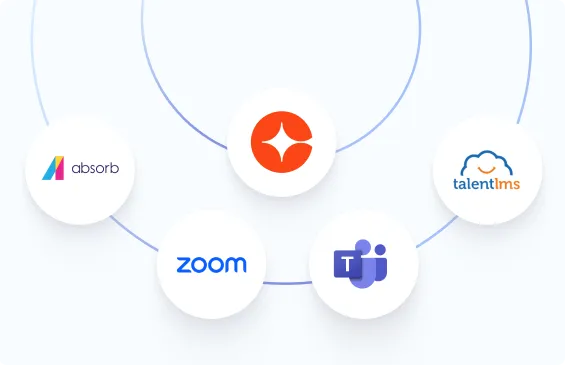
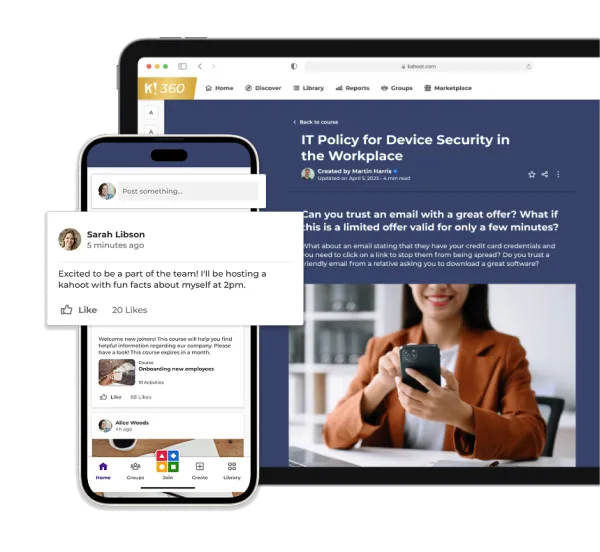
Work with the tools your teams are already using. Run AI training inside Microsoft Teams, Zoom, or your existing LMS without disrupting current workflows.
Skip the extra login: Run AI training directly in existing tools so employees for efficient and seamless learning.
Protect current workflows: Add AI training without asking teams to change the tools or processes they already rely on.
Connect to your LMS: Sync completions and scores with your learning system instead of managing AI training separately
How it works
See how you can deliver interactive AI training and upskilling across your organization in 5 steps
Step 1
Upload
Upload your existing AI training material or build interactive courses in minutes from scratch by using AI.
Step 2
Distribute
Send role-specific courses to individuals or teams. Set deadlines, tailor content by department, and let the platform manage the rest.
Step 3
Execute and reinforce
Complete training in the format that fits each individual. Follow up with microlearning to close gaps and build habits.
Step 4
Certify and report
Issue AI skills certifications. Export completion + retention data to for audit, compliance, and the AI Act readiness review.
Join leaders achieving awesome business results
18%
higher cabin crew exam pass rate in 2025 after adding Kahoot! 360 to compliance training
50%
boost in learner retention after introducing Kahoot! 360 into contact‑center training
20%
increase in final scores after switching from paper-based assessments to Kahoot! 360 assignments
53%
higher NPS in training after incorporating kahoots in training materials
2,500
employees across countries, cultures, and generations are connected and educated with Kahoot! 360
99%
of new hires said they left the onboarding sessions with a clear understanding of their role.
4.95
out of 5 is the average NPS score new hires gave the onboarding program after it was rebuilt with Kahoot! 360
50%
increase in knowledge retention during training sessions after switching to Kahoot! 360.
Frequently asked questions
What is Kahoot! and can it really be used for AI training?
Kahoot! is a learning platform used by millions of organizations worldwide to create, share, and deploy training.
Yes, you can absolutely use Kahoot! to build and roll out AI training. Whether you want to build awareness of AI across your organization, close specific knowledge gaps, or upskill teams on AI tools relevant to their roles, Kahoot! gives you the content creation tools, delivery mechanisms, and reporting to do it at scale.
What's the difference between AI literacy and AI upskilling?
AI literacy is understanding AI, AI upskilling is working with AI.
In a workplace context, literacy is often a baseline everyone needs, while upskilling varies by role, a marketer and a data analyst
will need very different AI skills even if they share the same foundational literacy.
Is Kahoot! 360 compliant with the EU AI Act, SOC 2, and GDPR?
Yes, the platform is designed to support GDPR compliance, it is ISO/IEC 27001:2022 certified and holds an AICPA SOC 2 type 2 report.
You can read more here
Does Kahoot! train its AI on our content?
No data from the Kahoot! platform is used to train or refine any models. You can read more here
Can we integrate Kahoot! 360 AI training with our LMS?
Kahoot! 360 integrates to leading LMS platforms like Cornerstone, Docebo, TalentLMS, Litmos, RiseUp, and 360Learning.
Can our L&D team build AI training?
Everyone can build AI training in Kahoot. It is intuitive and easy to use. Upload your existing AI onboarding decks, vendor training materials, or internal AI playbooks and let Kahoot! 360’s AI convert them into interactive training.
Do I need technical knowledge to build an AI training course in Kahoot!?
No. Kahoot!’s course builder is designed for anyone to use, no coding or instructional design experience required.
You can create quizzes, courses, and learning paths through a simple interface.
Is the training available on mobile?
Yes. Employees can complete training on any device, desktop, tablet, or mobile, so there’s no barrier to participation regardless of how your team works.
How do I handle employees who are skeptical of AI training?
Start small. A short, low-stakes session focused on one practical AI concept is much less intimidating than a multi-hour course.
The format naturally reduces anxiety, there’s no pressure, and the interactive nature tends to win over even reluctant learners.